Who Is In, Who Has Room, and Which Bike Is Theirs
Technician scheduling in Trail Hits® Hub is the shift board, the capacity math, and the assignment view in the same app as the work orders, so Monday morning does not start with "who is here today?"
Start Free TrialShifts, Time Off, and Real Capacity
Capacity is computed from scheduled hours and each tech's daily target, so a half day counts as a half day.
- Default weekly shifts per technician, with partial days and one-off changes in a shift editor
- Time off on the calendar, so a vacation week does not look like an open week
- Capacity bars that go yellow as a tech fills up and red when they are full
- Specialties on each profile, so the suspension job lands with the suspension tech
Assign From Wherever You Are Standing
The manager at the desk, the lead tech at the bench, and the tech who just walked in all see the same day.
Day view on the web
Each tech gets a lane. Drag a bike between lanes to reassign it. Reassign mid-day when someone goes home early.
Week grid
Seven days of availability, time off, and workload, so next week's promises are made against next week's staff.
iPad at the bench
Assign or take a work order from the iPad without walking to the desk. Filter by My Queue, Unassigned, All, or Completed.
My Day on iPhone
A tech's own list for today, in order, on the phone in their pocket.
My Schedule for the team
Every employee sees their own shifts and a read-only view of everyone else's. No more photo of the whiteboard.
A text when a shift changes
Edit a shift and the tech gets a text. Rapid edits are batched into one message. Techs can opt out.
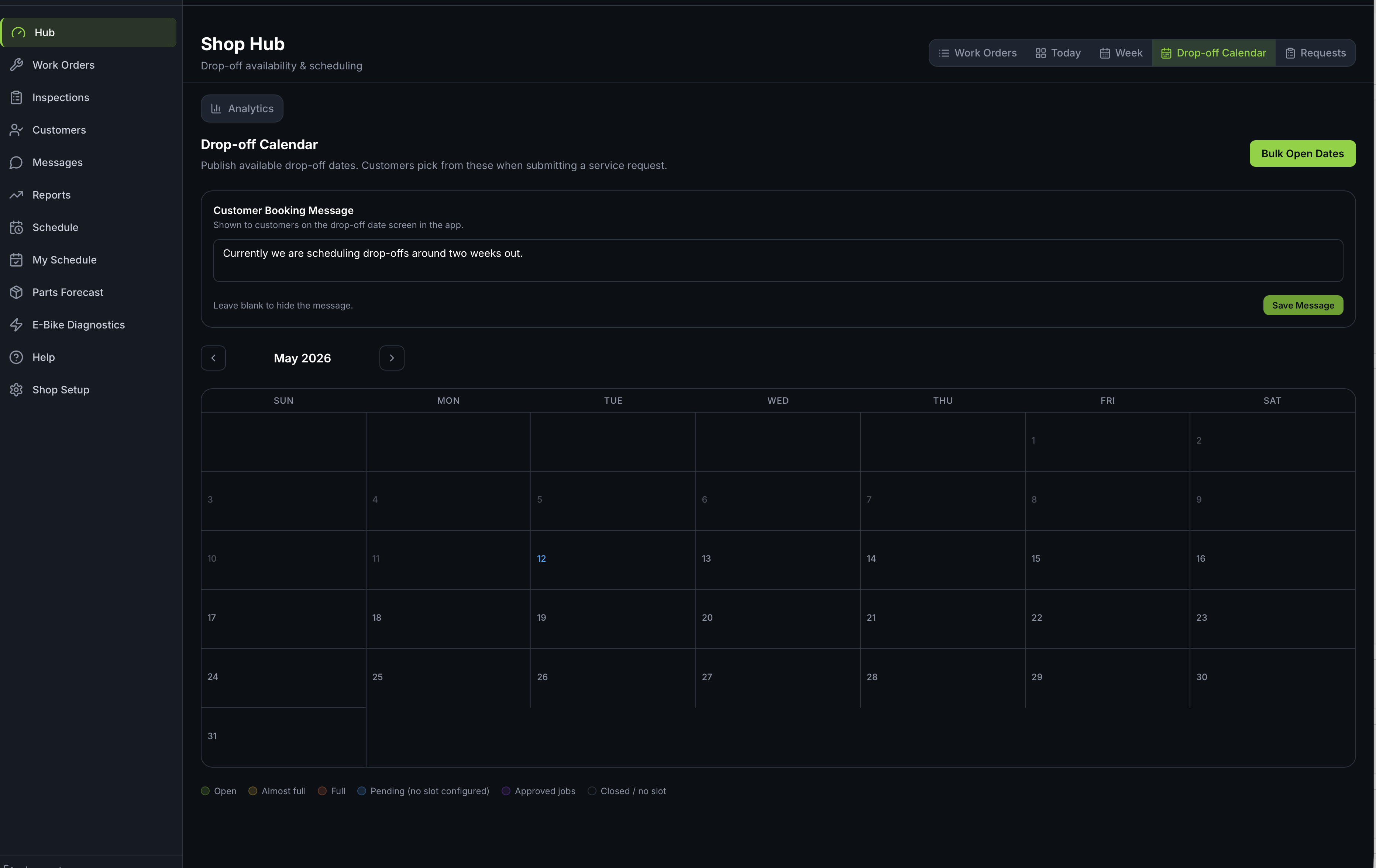
The Drop-Off Calendar Knows the Schedule
When customers book a drop-off, the days they see are built from the technician schedule. A day when nobody is on shift is not offered as a drop-off day, so the calendar stops promising what the bay cannot deliver.
Common Questions
Do technicians need a login to see their schedule?
They use the same Trail Hits® Hub login they use for inspections and work orders. My Schedule shows their own shifts and a read-only view of the team, on the web and on iPhone.
Does the customer drop-off calendar know who is working?
Yes. A day when nobody is on shift is not offered as a drop-off day, so the calendar cannot book a bike into an empty bay.
What happens when a shift changes?
The technician gets a text. Rapid edits are held briefly and sent as one message so a manager reshuffling the week does not send five texts in a minute. Techs can opt out.
Replace the Whiteboard
Scheduling is included in Hub, next to the work orders it schedules.
Start Free Trial
Trail Hits® Hub
iPhone and iPad app for the bench. Hub also runs in any web browser.