

Keep your Nordic ski notes together.
Classic and skate skis need different records. Keep glide wax, grip preparation and skin care tied to the right pair.


Also available on Mac with Apple silicon
Free for every rider. No credit card or in-app subscriptions.
Build a record you can use.
1. Name each pair clearly
Add skis with names such as Classic training or Skate race. Save model and length so you can tell similar pairs apart.
2. Log glide wax
Use the wax log for glide-wax product, method and date. Keep grip wax, klister and skin work in separate service notes.
3. Record the outing
Log a Nordic snow day manually or confirm a supported Nordic activity from Strava, Garmin Connect or Apple Health on iPhone. Review that history beside the work you recorded.
One record for each pair.
Keep your skis together with your other gear. Give classic and skate pairs clear names so their maintenance records stay easy to find.
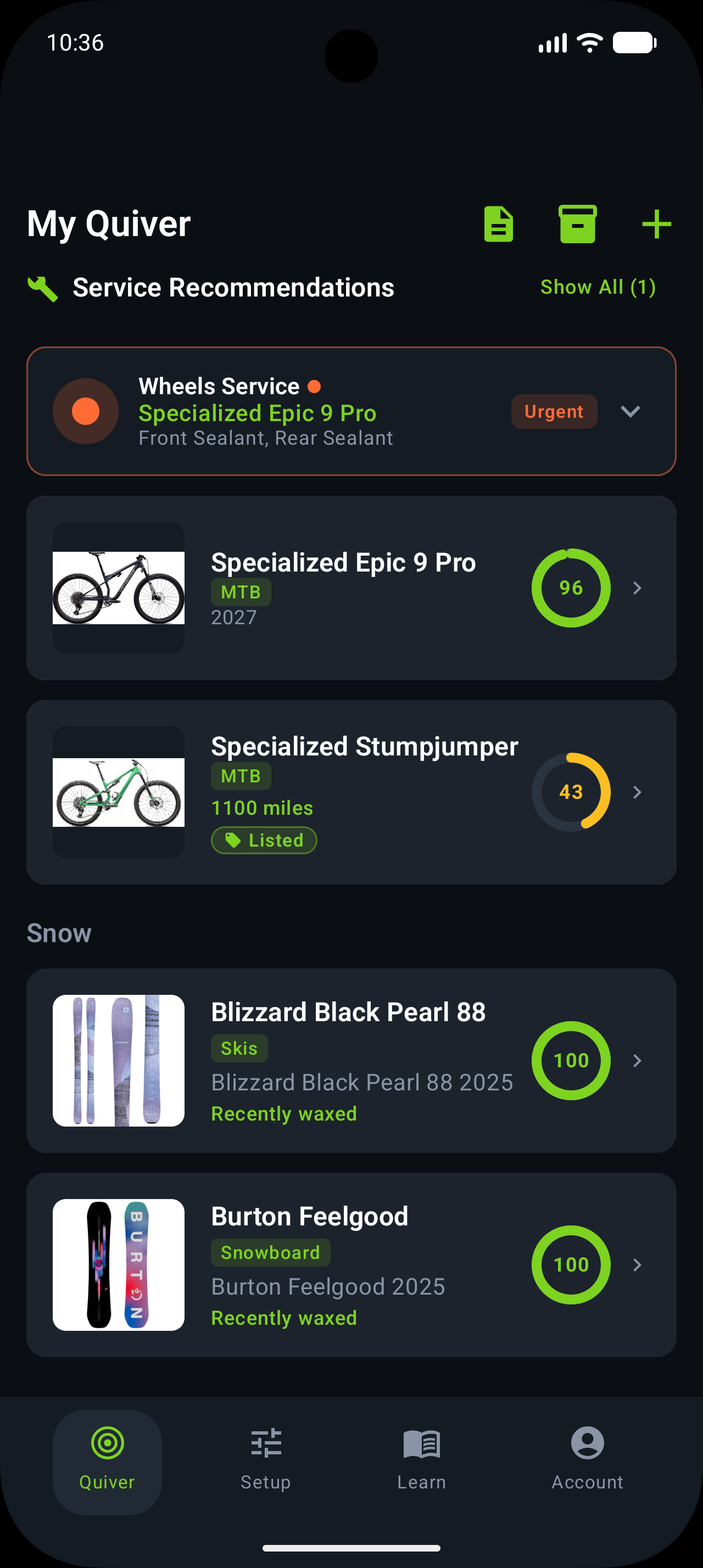
Classic, skate and skin skis are different.
Skate skis
Keep a glide-wax and base-work history for each pair. Add notes that help you remember the preparation you used.
Waxable classic skis
Distinguish glide-zone work from grip-zone preparation. Record grip wax or klister under Other service with a clear title and notes.
Skin skis
Record skin cleaning, treatment or replacement separately from glide wax. Follow the ski and skin maker’s instructions for the work itself.
Does Trail Hits predict Nordic grip or choose race wax?
No. Nordic activities and maintenance records are supported, but downhill wax-use estimates are not a Nordic grip or glide model. Grip wax, klister and skin care use service notes rather than dedicated fields.
How activities connect to maintenance →